
In the identifiers section, the user can edit the ID number and name of created tags. Additionally, unnecessary identifiers can be deleted from this section. Deleting an unnecessary identifier does not remove the data associated with that identifier from the Paikannin.com.
Identifiers are used for purposes such as mobile driver logins.
If you are using Bluetooth-enabled identification tags, you can add them to an existing tag via Main Menu -> Settings -> Identifiers.
Click "Attach identifiers to IoT-beacons here". This takes the user to the settings, where the actual linking is performed. Next, select the beacon to be linked to the tag.
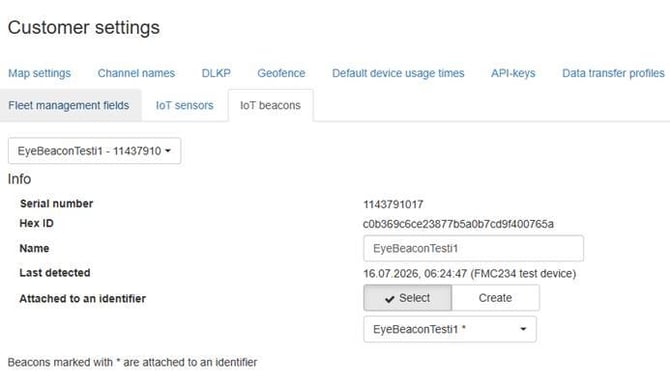
If the identifier does not yet exist and you wish to create one, you can select "Create" under the "Attach to an identifier" section.
The identifier to be created can be named, for example, using the identifier name, a personal ID number, or something else
If the Bluetooth tag needs to be switched from one tag to another, this change can easily be made from the same location.
Once the settings are correctly configured, the tracking device automatically identifies the driver(s) via the Bluetooth tag at the start of a trip.