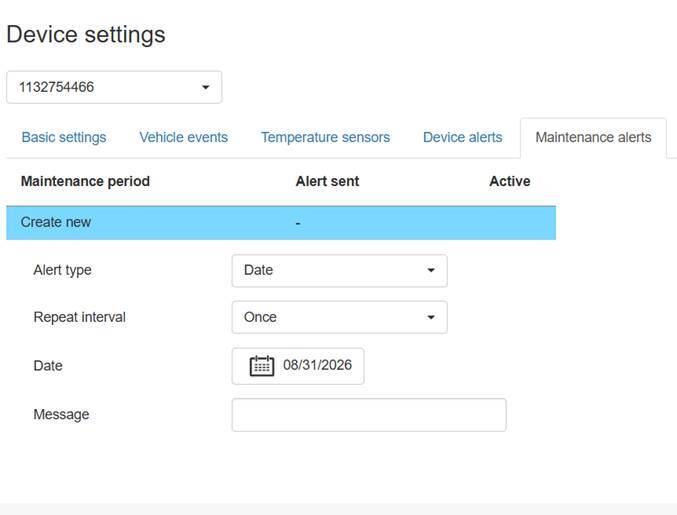
On the "Maintenance events" tab, the user can add maintenance-related information for a specific vehicle. To record maintenance events, maintenance interval reminders must first be created for the device under the "Maintenance interval reminders" section of the device settings. The image below shows an example of creating a monthly maintenance interval reminder based on a date. Maintenance interval reminders can also be set up based on odometer readings or channel-specific time counters.
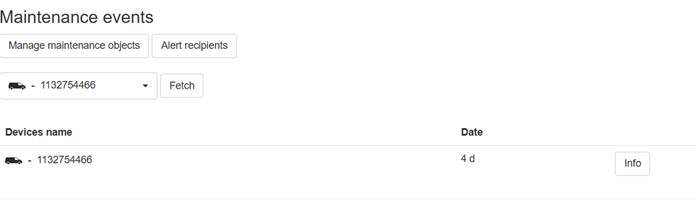
Once the reminder has been set, the relevant maintenance event appears in the maintenance events menu. In this case, since the maintenance interval reminder is based on the date, Paikannin.com displays the number of days remaining until the next monthly maintenance.
By clicking the "Info" button, the user can mark maintenance as completed and view previously recorded maintenance tasks. From this view, it is also possible to add general documents related to the device's maintenance.
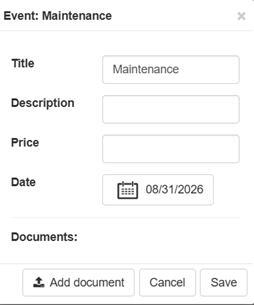
Clicking the "Check" button allows you to acknowledge the maintenance and add related details, such as the description, cost, and actual date. You can also attach documents related to the maintenance here.
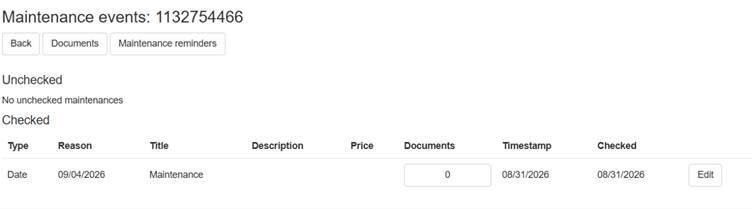
Once the maintenance has been marked as completed, it appears—along with its documents—under the "Completed" section. You can open the documents later, and if necessary, also edit the details of the completed maintenance.