
You can log in to Paikannin.com using two different login methods:
- Username and password
- SSO (using Azure Active Directory credentials)
Logging in with username and password
You can log in to Paikannin.com via the browser of any device at the address https://app.paikannin.com/.
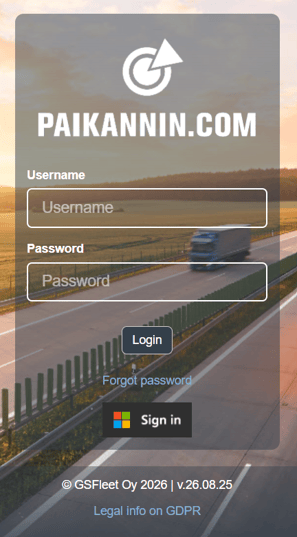
To log in using username and password, you have received a separate email containing these credentials.
SSO Login
You can log in using Azure Active Directory Single Sign-On. The SSO function eliminates the need for separate system credentials, but implementation requires the company to use Azure AD.
SSO functionality can also be enabled for only a subset of users. Once enabled, users log in to Paikannin.com by clicking the "Sign in" button and entering the required login details in the new window that opens. If you wish to have SSO for your company, please contact GSFleet Sales team or your dedicated GSFleet Sales Representative.
Note that the organization must allow its users to log in via the Paikannin.com application.
Application details:
Name: Paikannin.com (GS Group AS)
Tenant ID: f02fa967-6752-4682-b428-a5c2df227dbe
Application ID: 4f4b2888-7a3d-4008-9a33-062c53a420b5
After the initial login, you can log in to Paikannin.com directly by clicking the "Sign In" button, as long as you are logged into the computer using the same credentials. For security reasons, the Paikannin.com will prompt the user to re-enter their login credentials at certain intervals.
If you have forgot your password, click "Forgot password" to reset your password